Blog
Local LLM Installation using Ollama
Ollama is a practical way to run large language models on your own computer. This guide covers a complete local setup on Windows, macOS, and Linux, then moves beyond installation into model management, API access, browser integration, and safe troubleshooting.
The commands and platform details below were checked against the official Ollama documentation on July 16, 2026. Ollama changes quickly, so use the linked platform documentation as the final authority if an installer or command behaves differently.
Before you install
Local inference moves storage and compute requirements onto your computer. Check these constraints before downloading a model:
- Disk space: The Ollama application is small compared with its models. Individual model files can consume several gigabytes, and a collection can consume tens or hundreds of gigabytes.
- Memory: A model must fit within available system memory, GPU memory, or a combination of both. Start with a small model and move upward only after confirming acceptable performance.
- Acceleration: Apple silicon uses Metal. Supported NVIDIA and AMD configurations can use GPU acceleration on Windows and Linux. CPU inference works but is generally slower.
- Context length: Larger context windows consume more memory. A model that loads successfully can still become slow or run out of memory with a large context.
- Use case: Smaller models are useful for testing integrations and lightweight tasks. Larger models generally improve capability at the cost of storage, memory, and latency.
The Ollama model library lists available variants. For a first verification, this guide uses gemma3:1b because it is small enough to test the installation before committing to a larger download.
Install Ollama
Windows
Download and run the installer from the official Windows page. The standard installer runs in your user account and does not require administrator access.
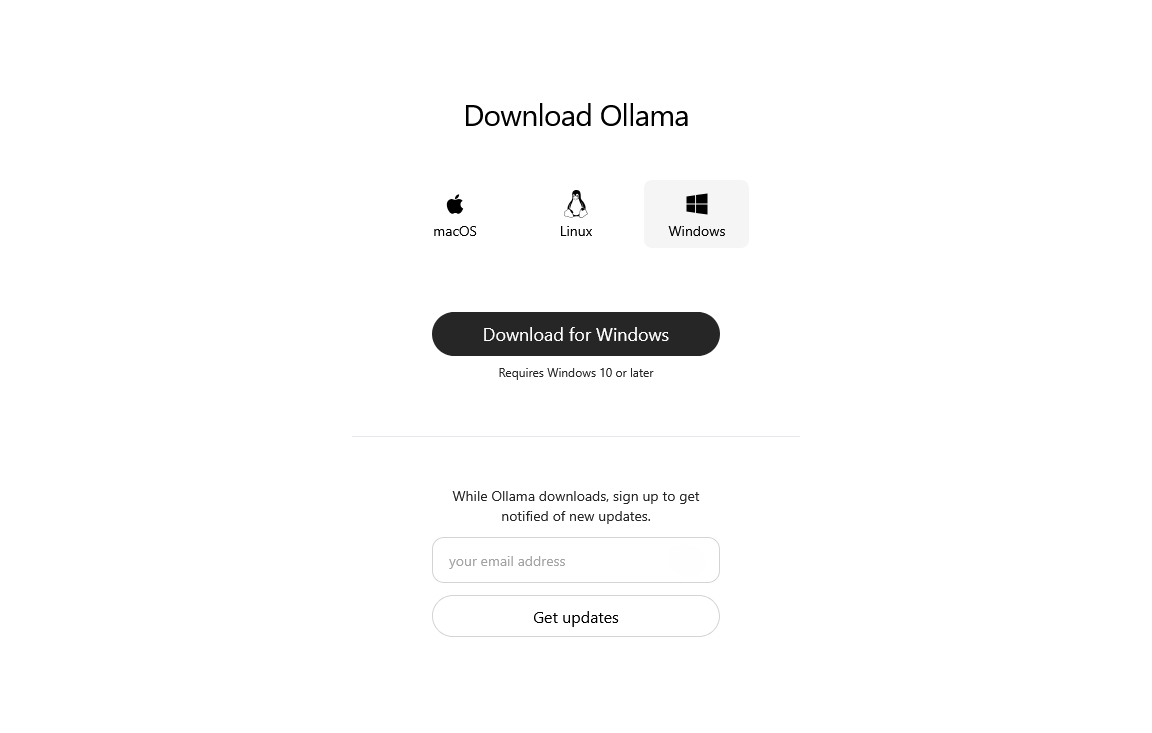
After installation, open a new PowerShell window so the updated PATH is available.
macOS
Download the macOS application from the official macOS page, open the disk image, and move Ollama into Applications. The current macOS documentation requires macOS Sonoma 14 or newer.
Launch the application once. It will offer to make the ollama command available in your terminal if the CLI link is missing.
Linux
The official installer is:
curl -fsSL https://ollama.com/install.sh | shOn a system using systemd, confirm that the service is running:
sudo systemctl status ollamaIf it is installed but stopped:
sudo systemctl start ollamaSee the official Linux guide for manual installation and GPU-specific setup.
Verify the installation
Check that the CLI is available:
ollama --versionDownload and start a small model:
ollama run gemma3:1bEnter a short prompt, then use /bye to exit the interactive session.
Ollama exposes its local API on http://localhost:11434. Confirm the server can list installed models:
curl http://localhost:11434/api/tagsIn PowerShell, the equivalent request is:
Invoke-RestMethod -Uri 'http://localhost:11434/api/tags'If the CLI works and /api/tags returns JSON, both the model runtime and local API are ready.
Manage local models
These commands cover the normal model lifecycle:
# Download without opening a chat
ollama pull gemma3:1b

# Show downloaded models
ollama list

# Run a model
ollama run gemma3:1b

# Show models currently loaded in memory
ollama ps

# Unload a running model
ollama stop gemma3:1b

# Remove a downloaded model
ollama rm gemma3:1b
Run ollama pull <model> again to retrieve the current version of an existing model.
By default, model files are stored in these locations:
- macOS:
~/.ollama/models - Linux standard installer:
/usr/share/ollama/.ollama/models - Windows:
C:\Users\<username>\.ollama\models
Set OLLAMA_MODELS before restarting Ollama if model storage needs to live on another drive. On Linux, the ollama service account must have read and write access to that directory.
Call the local API
The chat endpoint accepts a model and an array of messages:
curl http://localhost:11434/api/chat -d '{
  "model": "gemma3:1b",
  "messages": [
    { "role": "user", "content": "Explain feedback loops in two sentences." }
  ],
  "stream": false
}'
PowerShell version:
$body = @{
  model = 'gemma3:1b'
  messages = @(
    @{ role = 'user'; content = 'Explain feedback loops in two sentences.' }
  )
  stream = $false
} | ConvertTo-Json -Depth 4

Invoke-RestMethod `
  -Method Post `
  -Uri 'http://localhost:11434/api/chat' `
  -ContentType 'application/json' `
  -Body $body
See the official API introduction before building a production integration. Local access does not automatically make an endpoint safe to expose to a network.
Understand how the server starts
The Windows and macOS desktop applications normally start Ollama in the background. Starting a second server manually can produce an address already in use error even when the existing server is healthy.
On Linux, the standard installer normally manages Ollama through systemd:
sudo systemctl restart ollama
sudo systemctl status ollama
Use ollama serve when intentionally running the server yourself, not as the first response to every connection problem.
Configure browser or extension access safely
Ollama accepts local web origins by default. Browser extensions use schemes such as chrome-extension:// and moz-extension://, so they may need an explicit OLLAMA_ORIGINS entry.
Prefer a specific extension origin:
chrome-extension://YOUR_EXTENSION_IDAllowing chrome-extension://* or moz-extension://* grants every installed extension using that scheme access to the Ollama server. Use a wildcard only when the extension identifier cannot be fixed and you understand that broader trust boundary.
Windows environment variable
Quit Ollama from the taskbar, set the user variable, then relaunch Ollama:
[Environment]::SetEnvironmentVariable(
  'OLLAMA_ORIGINS',
  'chrome-extension://YOUR_EXTENSION_ID',
  'User'
)
macOS environment variable
Set the variable with launchctl, then restart the Ollama application:
launchctl setenv OLLAMA_ORIGINS "chrome-extension://YOUR_EXTENSION_ID"Linux systemd override
Open an override:
sudo systemctl edit ollama.serviceAdd:
[Service]
Environment="OLLAMA_ORIGINS=chrome-extension://YOUR_EXTENSION_ID"
Apply it:
sudo systemctl daemon-reload
sudo systemctl restart ollama
The Ollama FAQ documents environment-variable behavior for all three platforms.
Troubleshooting
Port 11434 is already in use
First check whether the existing listener is Ollama. A successful /api/tags request means the server is already available and does not need to be killed.
On Windows:
$connection = Get-NetTCPConnection -LocalPort 11434 -State Listen -ErrorAction SilentlyContinue
$connection | Select-Object LocalAddress, LocalPort, OwningProcess

if ($connection) {
  Get-Process -Id $connection.OwningProcess
}
Stop a process only after verifying its identity:
Stop-Process -Id <CONFIRMED_PID>On macOS:
lsof -nP -iTCP:11434 -sTCP:LISTENOn Linux:
ss -ltnp | grep 11434The CLI cannot reach the server
- Request
http://localhost:11434/api/tagsdirectly. - Confirm that the desktop application or Linux service is running.
- Check whether
OLLAMA_HOSTpoints somewhere unexpected. - Review the server logs before restarting or terminating processes.
Review logs
Windows logs are under %LOCALAPPDATA%\Ollama, including server.log.
macOS:
tail -n 100 ~/.ollama/logs/server.logLinux with systemd:
journalctl -u ollama --no-pager --pager-endSee official troubleshooting for debug logging and GPU-library overrides.
A model is very slow
- Run
ollama psand check whether the model is using CPU, GPU, or a split configuration. - Try a smaller model or quantization.
- Reduce the requested context length.
- Close other GPU- or memory-intensive applications.
- Check the server log for GPU detection or out-of-memory messages.
A model download fails
- Confirm that enough disk space remains in the model directory.
- Retry
ollama pull <model>after checking the network connection. - If a proxy is required, configure
HTTPS_PROXY; the official FAQ warns that settingHTTP_PROXYcan interfere with client connections. - Inspect logs for certificate, permissions, or partial-download errors.
Update or uninstall
Windows and macOS desktop applications download updates automatically and apply them after a restart. The current Linux update command reruns the installer:
curl -fsSL https://ollama.com/install.sh | shUse the platform-specific uninstall instructions rather than deleting arbitrary application directories:
- Windows installation and uninstall
- macOS installation and uninstall
- Linux installation and uninstall
Downloaded models can remain after the application is removed, especially when OLLAMA_MODELS points to a custom location. Remove model data separately only when it is no longer needed.