Project
UNIX and Shell Scripting Learning Modules
Project overview
This collection brings together three browser-based learning modules created for CT-152. Rather than treating Vi, the UNIX filesystem, and shell scripting as disconnected topics, the sequence builds a practical command-line workflow:
- Edit files confidently with a modal editor.
- Understand where files live and how paths and permissions behave.
- Combine commands into safe, testable Bash scripts.
The work represented here combines instructional design and eLearning development. Each module moves from a conceptual model into guided interaction, practice, assessment, and reflection.
Audience and learning goals
The sequence is designed for undergraduate learners building foundational UNIX and command-line skills. By the end of the modules, learners can:
- Explain Vi/Vim’s modal editing model and use essential navigation and editing commands.
- Navigate a UNIX filesystem using absolute and relative paths.
- Construct commands from flags, arguments, paths, and operators.
- Explain how a shell evaluates a script.
- Apply defensive scripting practices, structured control flow, and debugging techniques.
Instructional approach
Command-line topics can become lists of syntax with little transfer to real work. These modules instead use visual models, constrained simulations, guided missions, and engineering scenarios.
- Concept before syntax: Learners first see why a tool or model exists.
- Safe practice: Browser-based terminals and trainers let learners experiment without damaging a local environment.
- Progressive complexity: Recognition and command construction lead into debugging and open-ended challenges.
- Visible reasoning: Interfaces break commands and scripts into components so learners can inspect how a result is produced.
- Assessment and reflection: Knowledge checks verify core concepts while reflection prompts connect the activity to professional use.
Module 1: Vi Editor Fundamentals
The Vi/Vim module introduces the history and purpose of modal editing before asking learners to memorize commands. It explains normal, insert, visual, and command-line modes; compares Vi and Vim; and connects the editor to remote administration and development workflows.
An interactive trainer and guided missions provide practice with navigation, editing, saving, and quitting. Advanced sections introduce configuration, customization, and editor integration without making those topics prerequisites for basic success.
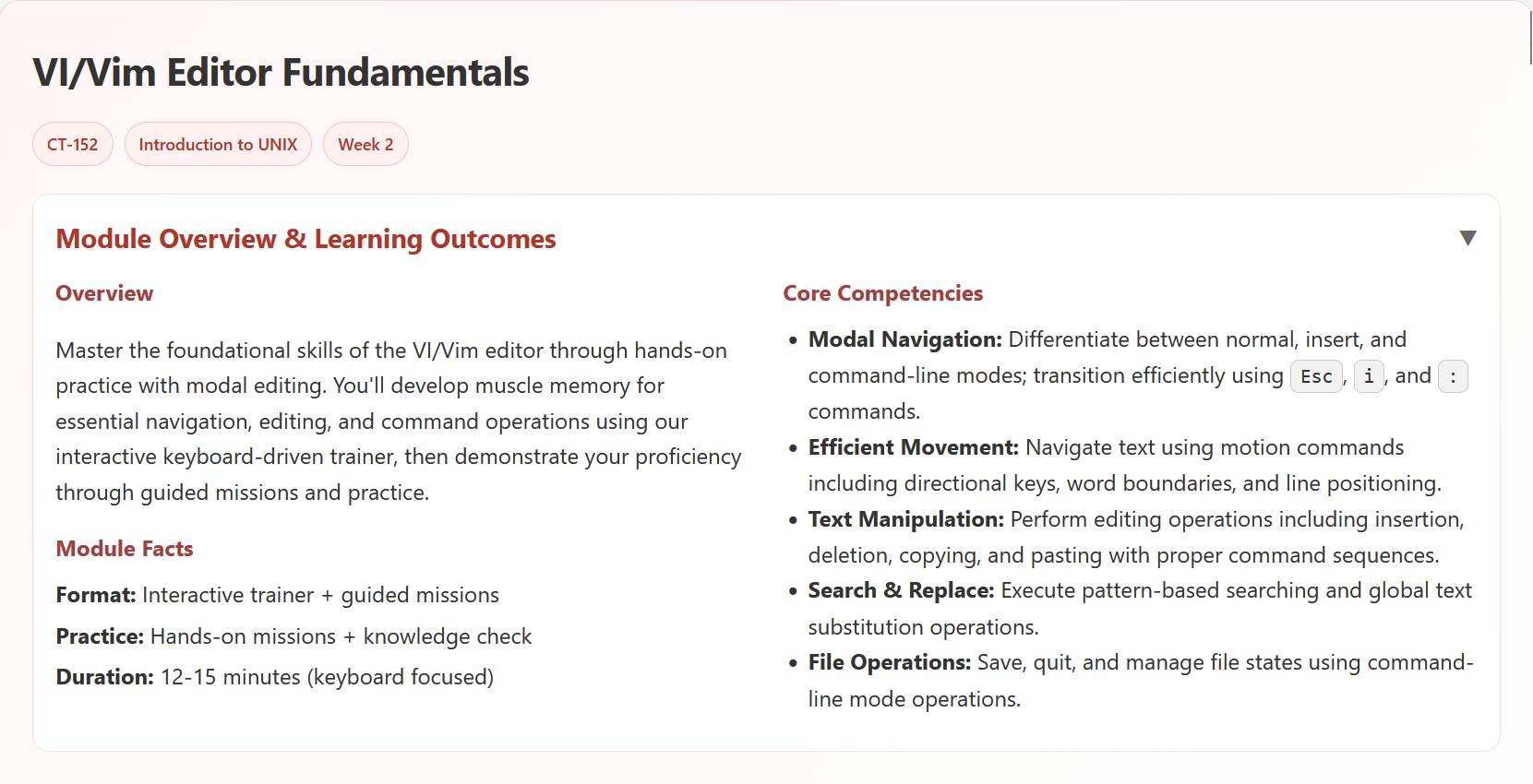
Open the Vi Editor Fundamentals module
Module 2: UNIX File System Fundamentals
The filesystem module turns directory structure and path resolution into a visual system. Learners use a filesystem visualizer and simulated terminal, then progress through navigation challenges and command-construction exercises.
The module covers path types, special directories, essential commands, and the relationship between command structure and filesystem state. A quick-reference guide supports continued use after the interaction ends.
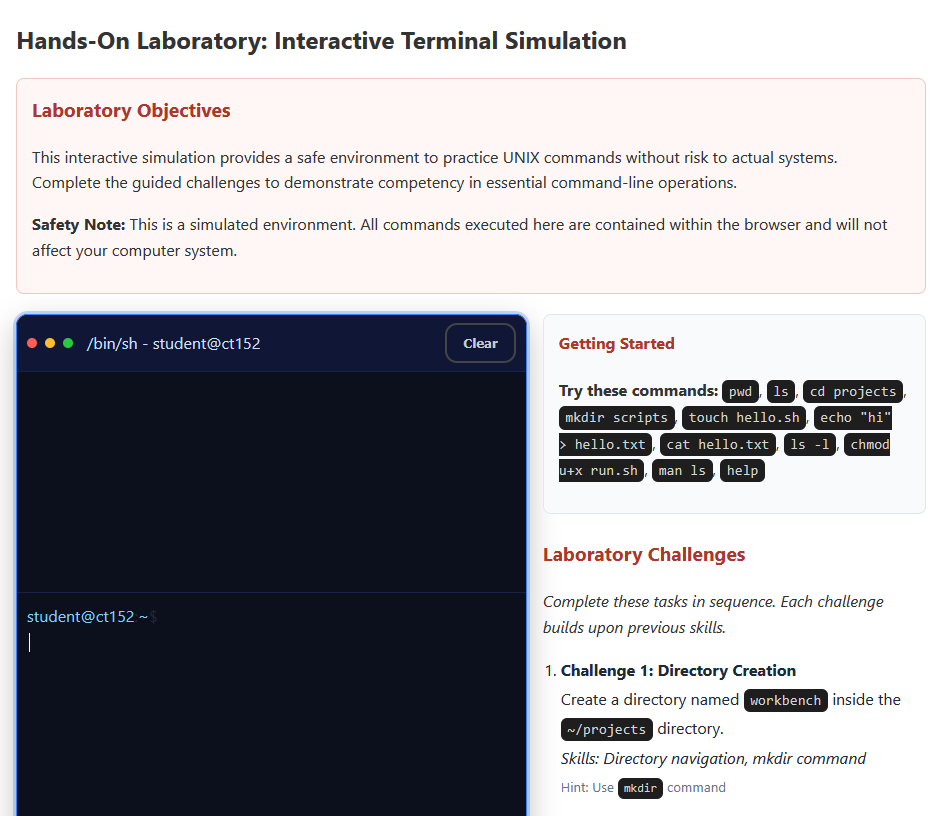
Open the UNIX File System Fundamentals module
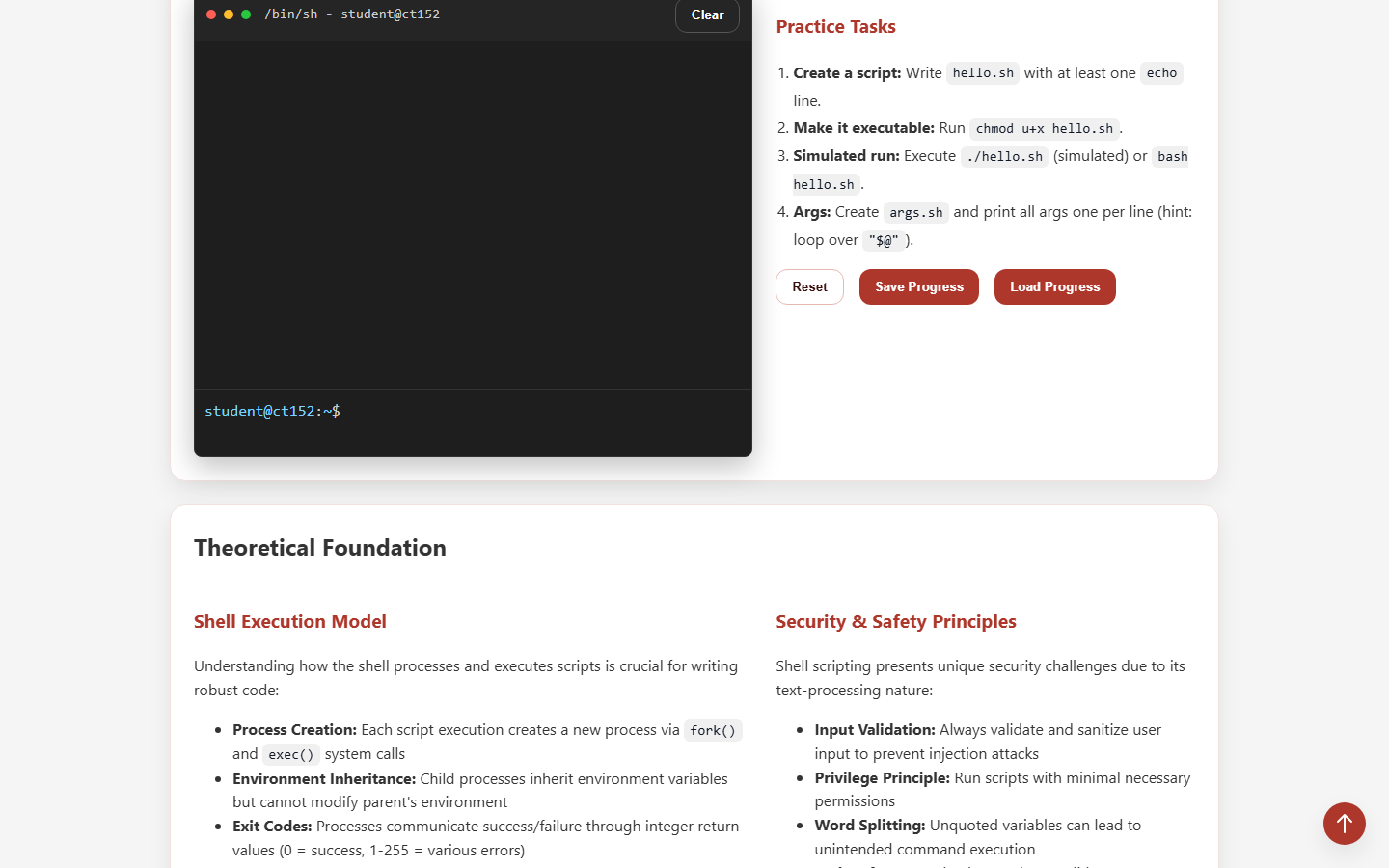
Module 3: Shell Scripting with Bash
The final module moves from individual commands to small programs. It introduces the shell execution model, variables, control flow, getopts, defensive headers, debugging, error handling, and cleanup.
A guided log-analysis lab gives the content an engineering context. Learners analyze requirements, construct commands, reason about an algorithm, and apply safe scripting patterns before completing a knowledge check.
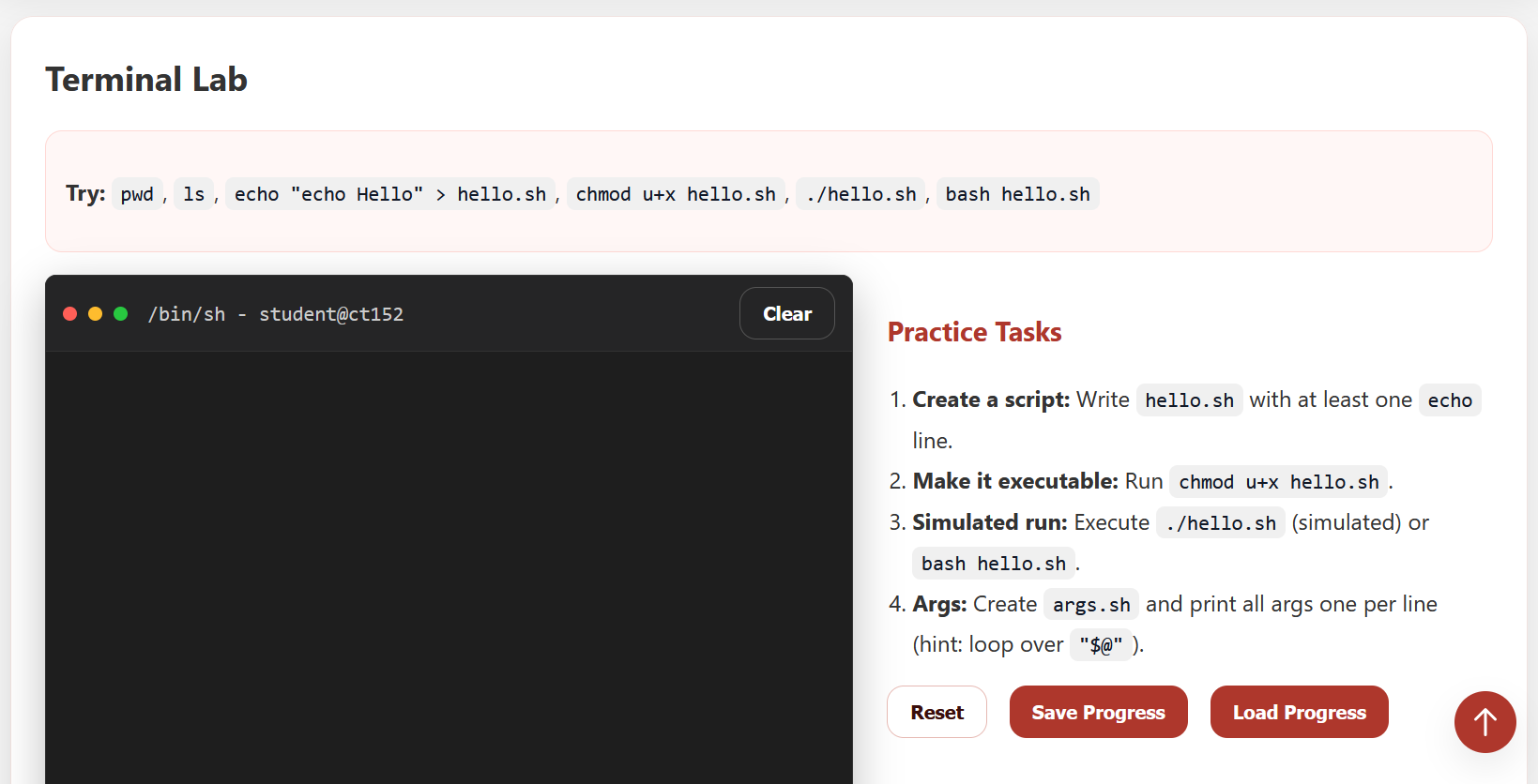
Open the Shell Scripting module
Delivery and constraints
The modules are self-contained browser experiences hosted as static learning assets. That delivery model makes them easy to launch from an LMS or open directly without requiring students to install a UNIX environment.
The simulation approach intentionally trades complete terminal fidelity for safety and instructional focus. Learners still need practice in a real shell after mastering the concepts, but the modules reduce the initial setup barrier and make incorrect assumptions easier to diagnose.
Result
The consolidated case study shows the learning progression more accurately than three nearly empty project pages. It also preserves each working module as a standalone artifact while documenting the shared instructional decisions behind the sequence.